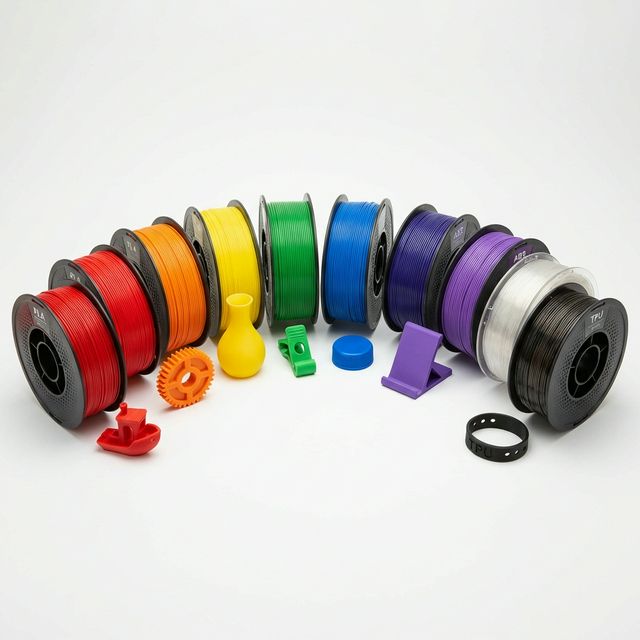
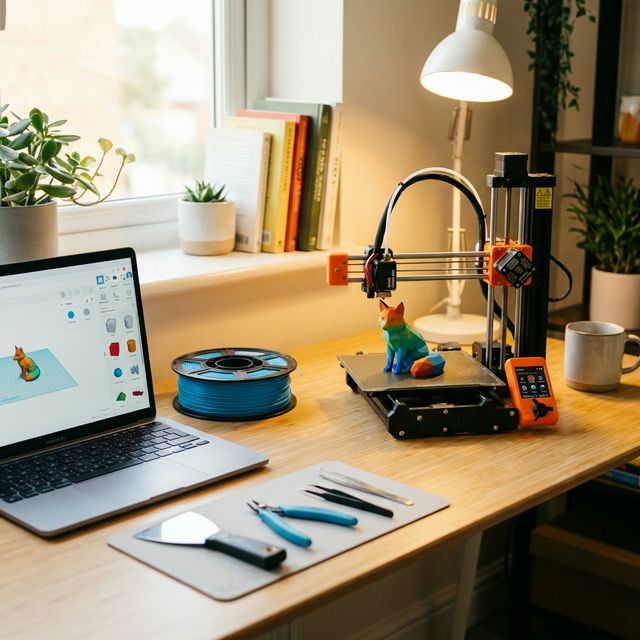
3D printing has never been more accessible. In 2026, you can get a high-quality printer for under $200 that would have cost thousands just five years ago. Here is everything you need to know to get started.
Choosing Your First Printer
For beginners, we recommend starting with an FDM printer. The Bambu Lab A1 Mini, Creality Ender-3 V3, and AnkerMake M5C are excellent entry points. They offer plug-and-play simplicity with auto bed leveling and direct-drive extruders.
Essential Software
You will need a slicer to convert 3D models into printer instructions. Bambu Studio, PrusaSlicer, and Cura are all free and beginner-friendly. For 3D modeling, try Tinkercad (browser-based), Fusion 360, or Blender.
Your First Print
Start with a calibration cube (20x20x20mm) to verify your printer is dialed in. Then move to fun prints from Thingiverse, Printables, or MakerWorld. A Benchy tugboat is the classic first real print.
Pro Tips
Keep your filament dry, level your bed before every print, and do not be afraid to experiment with settings. The 3D printing community is incredibly helpful.